Buy bvws.eu ?
We are moving the project
bvws.eu .
Are you interested in purchasing the domain
bvws.eu ?
domain@kv-gmbh.de · 0541-91531010
Buy bvws.eu ?
Why doesn't the Canon Pixma MG5150 print photos?
The Canon Pixma MG5150 may not be printing photos due to a few possible reasons. It could be a problem with the printer settings, such as the paper type or size not being compatible with photo printing. Additionally, the printer may be low on ink or the print head may need cleaning. It's also possible that there is a software issue or a problem with the printer drivers. Troubleshooting these potential issues and ensuring that the printer is set up correctly for photo printing should help resolve the issue. **
Why is the Canon Pixma not printing blue?
The Canon Pixma may not be printing blue due to a clogged printhead or a low ink level. If the printhead is clogged, it can prevent the blue ink from flowing properly onto the paper. In this case, running a printhead cleaning cycle or manually cleaning the printhead may resolve the issue. Additionally, if the blue ink cartridge is low or empty, the printer will not be able to produce blue ink. Checking the ink levels and replacing the cartridge if necessary can help resolve the problem. **


Similar search terms for Pixma
Top-Angebote
Products related to Pixma:
-
Canon CL-546 Genuine C/M/Y Colour Ink Cartridge - PIXMA Printer CompatibleModel name CL-546 Brand Canon Ink colour Multicoloured Page yield 180 Compatible devices PIXMA COMPATIBILITY - TR4551 / TR4550 / iP2850 / MG2450 / MG2550 / MG2950 / MX495 / MG3050 / MG3051 / MG3052 / MG3053 / MG2550S / MG2555S / TS3150 / TS3151 / TS305 / TS205 / TS3350 / TS3351 / TS3352 / TS3450 / TS3451 / TS3452 / TS3355 / TR4650 / TR4651 PIXMA COMPATIBILITY - TR4551 / TR4550 / iP2850 /19,99 £*Shipping: 0,00 £Secure redirect to the provider
-
Gadcet UK Canon cyan ink UK, Canon ink cartridge cyan, original Canon printer ink, colour printing ink, Canon PIXMA ink cartridge, vibrant cyan colour printingKeep your colour prints vibrant and accurate with the Canon Cyan Ink Cartridge (4549292032949) — a genuine Canon consumable designed to deliver bright, true‑to‑life cyan tones for photos, graphics and everyday colour documents. Engineered for use with compatible Canon PIXMA printers, this original cartridge ensures reliable performance and consistent colour output you can trust for home, school and small office printing. Key Features Original Canon Ink – Manufactured by Canon to ensure perfect compatibility and dependable print quality. Cyan Ink Cartridge – Produces vivid cyan hues that enhance colour depth and overall image clarity. Excellent Colour Reproduction – Smooth gradients and accurate tones help bring photos and graphics to life. Easy Drop‑In Replacement – Fast, tool‑free installation keeps your printer ready without hassle. Everyday Use – Ideal for colour documents, flyers, creative prints and full‑colour photo projects. Benefits The Canon Cyan Ink Cartridge delivers eye‑catching colour and consistent performance with every print. Its genuine Canon formulation works seamlessly with supported printers to reduce smudging and maintain sharp colour balance across media types. Whether printing family photos, colourful presentations or school assignments, this cartridge ensures vivid cyan output and professional‑quality results every time. Specification Detail Product Name Canon Cyan Ink Cartridge EAN/Barcode 4549292032949 Ink Colour Cyan Cartridge Type Original Canon Ink Cartridge Compatibility Canon PIXMA and other compatible inkjet printers Installation Easy Drop‑In Replacement Recommended Use Photos, colour documents, graphics Brand Canon12,49 £*Shipping: 0,00 £Secure redirect to the provider
-
Good Directions "20"" Tranquil Harmony Bird Bath Basin"Introduce tranquility to your avian companions with this exquisite copper basin. Crafted with the utmost care, the inner surface of this birdbath features delicate hand-punched, beaded embellishments, gracefully adorning the dark brass, rubbed...126,09 $*Shipping: 0,00 $Secure redirect to the provider
-
Canon Original High Yield Ink Cartridge Compatible with Pixma Series, 300 Pages, Cyan/Magenta/Yellow, Multipack One Size CLI-561Quality - Genuine Canon ink guarantees consistently high-quality output for all prints. Professionalism - Delivers crisp, sharp text ideal for printing professional documents. Print Capacity - The 12.2 ml Canon ink cartridge enables printing of up to 300 A4 pages. Compatibility - Works with Pixma TS5350, TS5351, TS5352, TS5353, TS7450, TS7451 models. Package Includes: One Canon CL-561XL color ink cartridge of 12.2 ml.23,99 £*Shipping: 0,00 £Secure redirect to the provider


-
What error does the Canon Pixma MX925 display?
The Canon Pixma MX925 may display an error message such as "Support Code 6000" which indicates a paper jam or a foreign object inside the printer. Another common error is "Support Code 5100" which can be caused by a carriage error or a paper jam. It's important to check the printer's display for the specific error code and then refer to the printer's manual or Canon's website for troubleshooting steps to resolve the issue. **
-
Why is the Canon Pixma IP7250 not printing?
There could be several reasons why the Canon Pixma IP7250 is not printing. Some common issues could be low ink levels, a paper jam, incorrect paper size settings, or a connectivity problem. It is recommended to check the ink levels, ensure there are no paper jams, verify the paper size settings, and make sure the printer is properly connected to the computer or network. If these steps do not resolve the issue, it may be necessary to troubleshoot further or seek professional assistance. **
-
Why is the Canon Pixma MX490 not responding?
The Canon Pixma MX490 may not be responding due to a variety of reasons. It could be a connectivity issue, such as a loose or unplugged cable, or a problem with the wireless connection. Additionally, there may be a paper jam or an issue with the printer's software or drivers. It's also possible that the printer is out of paper or ink. Troubleshooting these potential issues, such as checking the connections, restarting the printer, and ensuring there are no paper jams, can help resolve the problem. If the issue persists, contacting Canon customer support may be necessary. **
-
Why does the Canon Pixma MG5550 print very slowly?
The Canon Pixma MG5550 may print very slowly due to several reasons. One possible reason is that the printer may be set to a high-quality print mode, which can slow down the printing process. Another reason could be that the printer's firmware or drivers may need to be updated. Additionally, the printer's connection to the computer or network may be slow or unstable, causing delays in printing. Finally, the printer's internal hardware, such as the print head or rollers, may be worn out or dirty, leading to slower printing speeds. **
Does the Canon Pixma 5250 only print in red?
No, the Canon Pixma 5250 does not only print in red. It is a color inkjet printer that is capable of printing in multiple colors, including black, cyan, magenta, and yellow. This allows for the printing of a wide range of colors and images, not just red. The printer also has the capability to print in black and white if desired. **
How many prints can a Canon Pixma MG5350 make?
The Canon Pixma MG5350 can make up to 9600 x 2400 dpi prints. This high resolution allows for detailed and vibrant prints, making it suitable for both text and photo printing. Additionally, the printer is capable of producing up to 12.5 images per minute in black and white, and up to 9.3 images per minute in color. Overall, the Canon Pixma MG5350 is a versatile printer that can handle a high volume of prints. **
Top-Angebote
Products related to Pixma:
-
Canon CL-541 Colour Ink Cartridge – Genuine, PIXMA CompatibleExperience high-quality printing with the Canon CL-541 Colour Ink Cartridge. Specially designed for Canon PIXMA printers, this genuine cartridge delivers vibrant colours and sharp detail for both photos and documents. With a page yield of up to 180 A4 pages, it offers reliable performance for everyday printing needs. Genuine Canon Quality: Ensures rich, vivid colours and clear text for professional results. Wide Compatibility: Compatible with a variety of PIXMA printer models, including MG 2150, MX 535, TS5150, GM 4050, and more. High Page Yield: Prints up to 180 A4 pages, making it ideal for home or office use. Eco-Friendly Packaging: Made with 100% recyclable materials for sustainable printing solutions. Recycling Programme: Return used cartridges for free recycling or reuse, promoting environmental responsibility. Model Name: 5227B001 Brand: Canon Ink Colour: Assorted (Colour) Page Yield: Up to 180 pages Ink Base: Water Compatibility: PIXMA MG, MX, TS, GM series printers Packaging: 100% recyclable Print with confidence and reduce your environmental footprint with the Canon CL-541 Colour Ink Cartridge, the perfect choice for high-quality, sustainable printing.24,99 £*Shipping: 0,00 £Secure redirect to the provider
-
Canon PIXMA TS4150i All-in-One Wireless A4 Colour Inkjet PrinterDescription Print, scan, and copy with ease using the Canon PIXMA TS4150i All-in-One Printer in White. Designed for home and everyday use, this compact multifunction printer provides convenient wireless printing from smartphones, tablets, laptops, and other compatible devices. With built-in Wi-Fi connectivity and support for the Canon PRINT app, the PIXMA TS4150i makes it simple to print documents and photos directly from your mobile devices. Its multifunction design combines printing, scanning, and copying in one compact unit, making it a practical choice for home offices, students, and everyday printing needs. The PIXMA TS4150i is also compatible with the Canon PIXMA Print Plan, providing a convenient ink subscription option for users who print regularly.36,99 £*Shipping: 0,00 £Secure redirect to the provider
-
Canon CL-546 Genuine C/M/Y Colour Ink Cartridge - PIXMA Printer CompatibleModel name CL-546 Brand Canon Ink colour Multicoloured Page yield 180 Compatible devices PIXMA COMPATIBILITY - TR4551 / TR4550 / iP2850 / MG2450 / MG2550 / MG2950 / MX495 / MG3050 / MG3051 / MG3052 / MG3053 / MG2550S / MG2555S / TS3150 / TS3151 / TS305 / TS205 / TS3350 / TS3351 / TS3352 / TS3450 / TS3451 / TS3452 / TS3355 / TR4650 / TR4651 PIXMA COMPATIBILITY - TR4551 / TR4550 / iP2850 /19,99 £*Shipping: 0,00 £Secure redirect to the provider
-
Gadcet UK Canon cyan ink UK, Canon ink cartridge cyan, original Canon printer ink, colour printing ink, Canon PIXMA ink cartridge, vibrant cyan colour printingKeep your colour prints vibrant and accurate with the Canon Cyan Ink Cartridge (4549292032949) — a genuine Canon consumable designed to deliver bright, true‑to‑life cyan tones for photos, graphics and everyday colour documents. Engineered for use with compatible Canon PIXMA printers, this original cartridge ensures reliable performance and consistent colour output you can trust for home, school and small office printing. Key Features Original Canon Ink – Manufactured by Canon to ensure perfect compatibility and dependable print quality. Cyan Ink Cartridge – Produces vivid cyan hues that enhance colour depth and overall image clarity. Excellent Colour Reproduction – Smooth gradients and accurate tones help bring photos and graphics to life. Easy Drop‑In Replacement – Fast, tool‑free installation keeps your printer ready without hassle. Everyday Use – Ideal for colour documents, flyers, creative prints and full‑colour photo projects. Benefits The Canon Cyan Ink Cartridge delivers eye‑catching colour and consistent performance with every print. Its genuine Canon formulation works seamlessly with supported printers to reduce smudging and maintain sharp colour balance across media types. Whether printing family photos, colourful presentations or school assignments, this cartridge ensures vivid cyan output and professional‑quality results every time. Specification Detail Product Name Canon Cyan Ink Cartridge EAN/Barcode 4549292032949 Ink Colour Cyan Cartridge Type Original Canon Ink Cartridge Compatibility Canon PIXMA and other compatible inkjet printers Installation Easy Drop‑In Replacement Recommended Use Photos, colour documents, graphics Brand Canon12,49 £*Shipping: 0,00 £Secure redirect to the provider
-
Why doesn't the Canon Pixma MG5150 print photos?
The Canon Pixma MG5150 may not be printing photos due to a few possible reasons. It could be a problem with the printer settings, such as the paper type or size not being compatible with photo printing. Additionally, the printer may be low on ink or the print head may need cleaning. It's also possible that there is a software issue or a problem with the printer drivers. Troubleshooting these potential issues and ensuring that the printer is set up correctly for photo printing should help resolve the issue. **
-
Why is the Canon Pixma not printing blue?
The Canon Pixma may not be printing blue due to a clogged printhead or a low ink level. If the printhead is clogged, it can prevent the blue ink from flowing properly onto the paper. In this case, running a printhead cleaning cycle or manually cleaning the printhead may resolve the issue. Additionally, if the blue ink cartridge is low or empty, the printer will not be able to produce blue ink. Checking the ink levels and replacing the cartridge if necessary can help resolve the problem. **
-
What error does the Canon Pixma MX925 display?
The Canon Pixma MX925 may display an error message such as "Support Code 6000" which indicates a paper jam or a foreign object inside the printer. Another common error is "Support Code 5100" which can be caused by a carriage error or a paper jam. It's important to check the printer's display for the specific error code and then refer to the printer's manual or Canon's website for troubleshooting steps to resolve the issue. **
-
Why is the Canon Pixma IP7250 not printing?
There could be several reasons why the Canon Pixma IP7250 is not printing. Some common issues could be low ink levels, a paper jam, incorrect paper size settings, or a connectivity problem. It is recommended to check the ink levels, ensure there are no paper jams, verify the paper size settings, and make sure the printer is properly connected to the computer or network. If these steps do not resolve the issue, it may be necessary to troubleshoot further or seek professional assistance. **
Similar search terms for Pixma
-
Good Directions "20"" Tranquil Harmony Bird Bath Basin"Introduce tranquility to your avian companions with this exquisite copper basin. Crafted with the utmost care, the inner surface of this birdbath features delicate hand-punched, beaded embellishments, gracefully adorning the dark brass, rubbed...126,09 $*Shipping: 0,00 $Secure redirect to the provider
-
Canon Original High Yield Ink Cartridge Compatible with Pixma Series, 300 Pages, Cyan/Magenta/Yellow, Multipack One Size CLI-561Quality - Genuine Canon ink guarantees consistently high-quality output for all prints. Professionalism - Delivers crisp, sharp text ideal for printing professional documents. Print Capacity - The 12.2 ml Canon ink cartridge enables printing of up to 300 A4 pages. Compatibility - Works with Pixma TS5350, TS5351, TS5352, TS5353, TS7450, TS7451 models. Package Includes: One Canon CL-561XL color ink cartridge of 12.2 ml.23,99 £*Shipping: 0,00 £Secure redirect to the provider
-
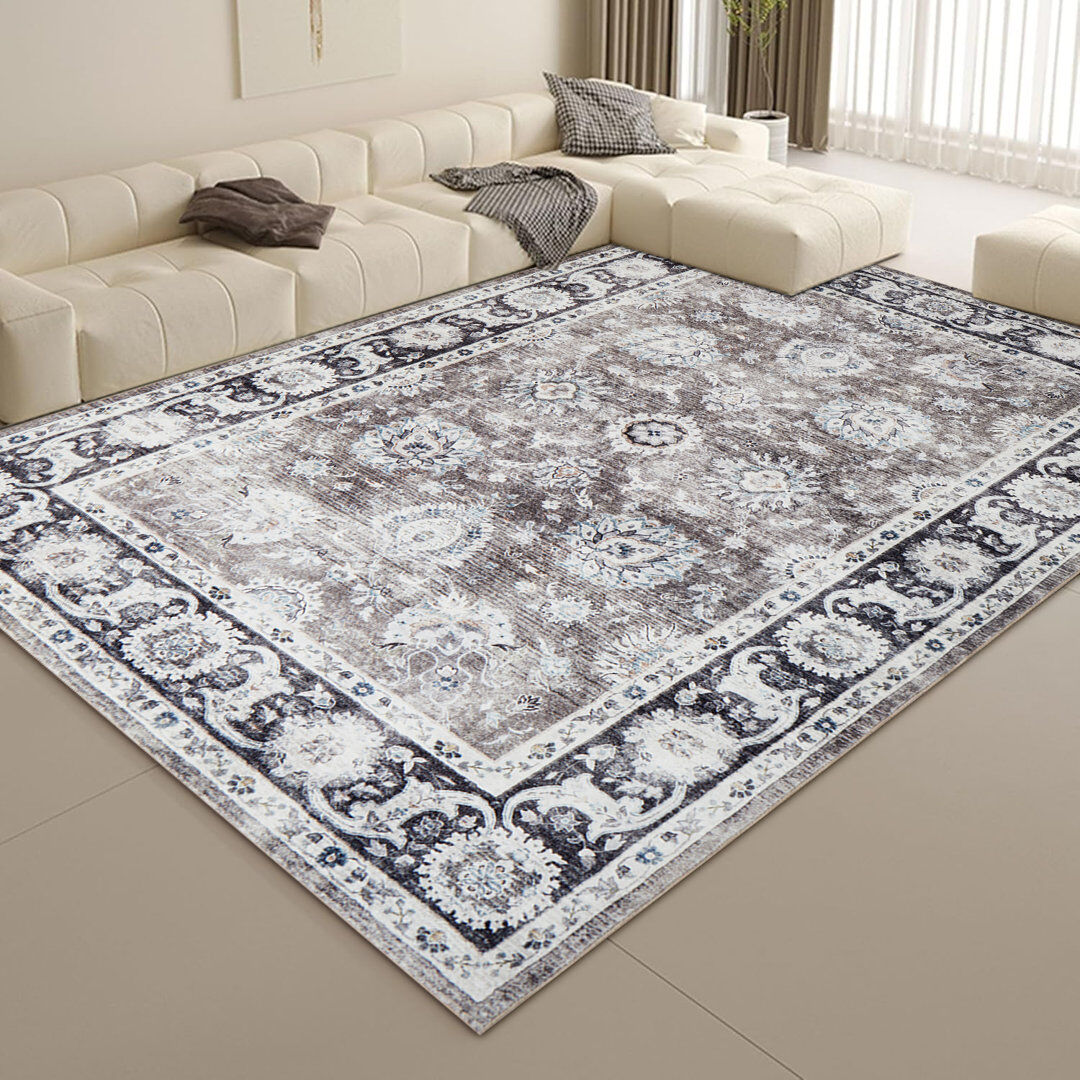
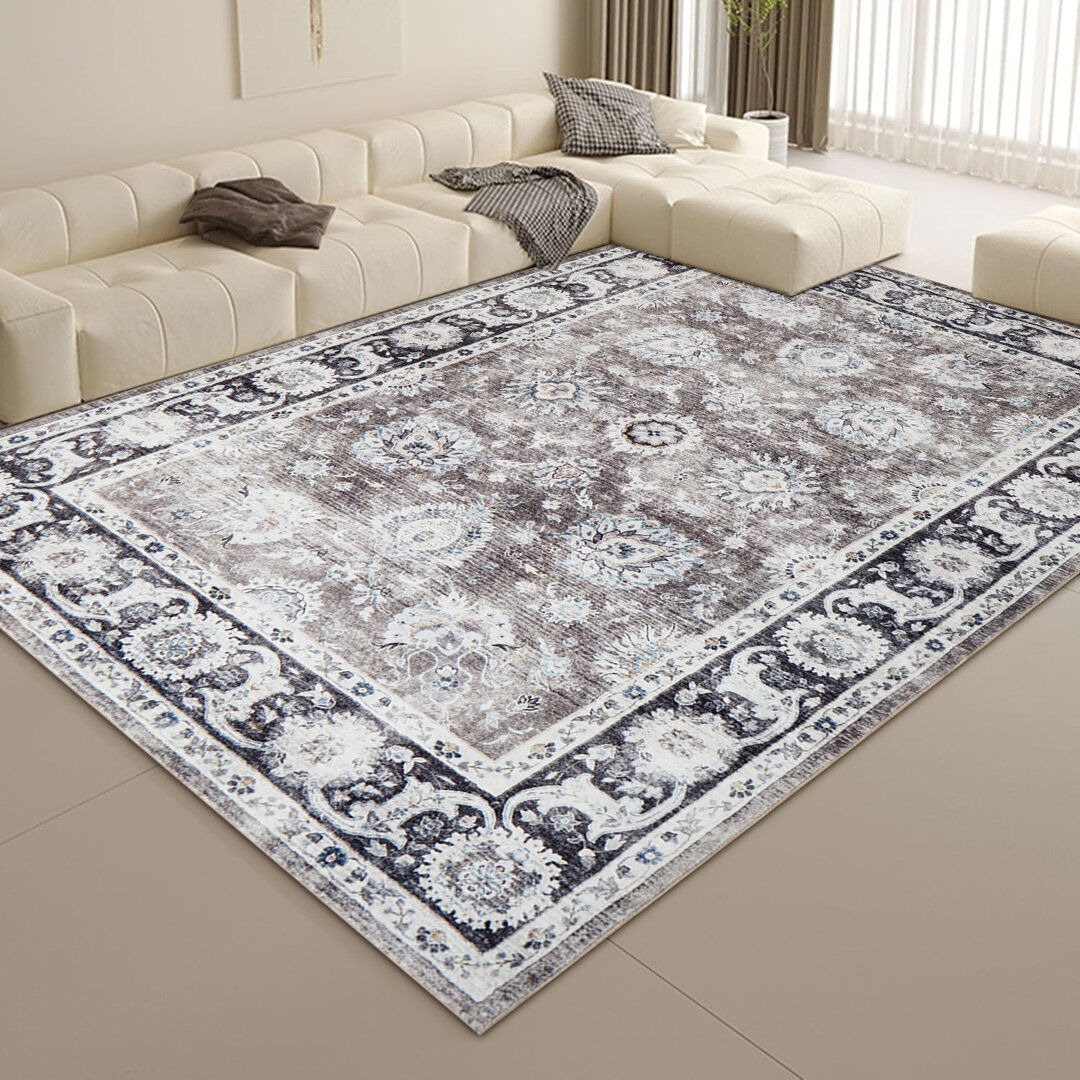
Marlow Home Co. Armo Harmony Cashmere Rug – Elegance & Comfort Harmony Rectangle 240cm x 320cmIntroduce a touch of sophistication to your home with the Harmony Cashmere Rug, designed to enhance any space with its intricate patterns and soft, muted tones. The beautifully distressed detailing adds character, while the luxurious cashmere-blend fabric provides an ultra-soft surface underfoot. Whether you're styling a modern, classic, or bohemian interior, this rug effortlessly ties the room together with its refined elegance. Crafted for both beauty and function, this rug is fade-resistant and built to withstand daily wear. The non-slip backing keeps it securely in place, making it safe for households with kids and pets. Its lightweight, foldable design ensures easy handling, and the machine-washable material simplifies maintenance. Perfect for living rooms, bedrooms, or cozy reading nooks, the Harmony rug brings warmth and charm to any setting. Brand Name: Marlow Home Co.. Rug Size: Rectangle 240cm x 320cm99,99 £*Shipping: 0,00 £Secure redirect to the provider
-
Marlow Home Co. Armo Harmony Cashmere Rug – Elegance & Comfort Harmony Rectangle 160cm x 230cmIntroduce a touch of sophistication to your home with the Harmony Cashmere Rug, designed to enhance any space with its intricate patterns and soft, muted tones. The beautifully distressed detailing adds character, while the luxurious cashmere-blend fabric provides an ultra-soft surface underfoot. Whether you're styling a modern, classic, or bohemian interior, this rug effortlessly ties the room together with its refined elegance. Crafted for both beauty and function, this rug is fade-resistant and built to withstand daily wear. The non-slip backing keeps it securely in place, making it safe for households with kids and pets. Its lightweight, foldable design ensures easy handling, and the machine-washable material simplifies maintenance. Perfect for living rooms, bedrooms, or cozy reading nooks, the Harmony rug brings warmth and charm to any setting. Brand Name: Marlow Home Co.. Rug Size: Rectangle 160cm x 230cm50,99 £*Shipping: 4,99 £Secure redirect to the provider
-
Why is the Canon Pixma MX490 not responding?
The Canon Pixma MX490 may not be responding due to a variety of reasons. It could be a connectivity issue, such as a loose or unplugged cable, or a problem with the wireless connection. Additionally, there may be a paper jam or an issue with the printer's software or drivers. It's also possible that the printer is out of paper or ink. Troubleshooting these potential issues, such as checking the connections, restarting the printer, and ensuring there are no paper jams, can help resolve the problem. If the issue persists, contacting Canon customer support may be necessary. **
-
Why does the Canon Pixma MG5550 print very slowly?
The Canon Pixma MG5550 may print very slowly due to several reasons. One possible reason is that the printer may be set to a high-quality print mode, which can slow down the printing process. Another reason could be that the printer's firmware or drivers may need to be updated. Additionally, the printer's connection to the computer or network may be slow or unstable, causing delays in printing. Finally, the printer's internal hardware, such as the print head or rollers, may be worn out or dirty, leading to slower printing speeds. **
-
Does the Canon Pixma 5250 only print in red?
No, the Canon Pixma 5250 does not only print in red. It is a color inkjet printer that is capable of printing in multiple colors, including black, cyan, magenta, and yellow. This allows for the printing of a wide range of colors and images, not just red. The printer also has the capability to print in black and white if desired. **
-
How many prints can a Canon Pixma MG5350 make?
The Canon Pixma MG5350 can make up to 9600 x 2400 dpi prints. This high resolution allows for detailed and vibrant prints, making it suitable for both text and photo printing. Additionally, the printer is capable of producing up to 12.5 images per minute in black and white, and up to 9.3 images per minute in color. Overall, the Canon Pixma MG5350 is a versatile printer that can handle a high volume of prints. **
* All prices are inclusive of VAT and, if applicable, plus shipping costs. The offer information is based on the details provided by the respective shop and is updated through automated processes. Real-time updates do not occur, so deviations can occur in individual cases. ** Note: Parts of this content were created by AI.